
🎨

AI Prompt Category

AI Design Prompts

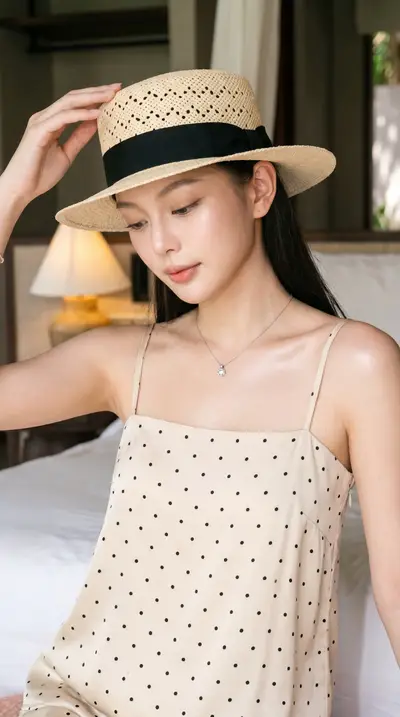
Image generation, UI/UX design, and visual creative prompts.

3 prompts 6+ AI models Free samples available
You've seen all prompts

About AI Design prompts

AI design prompts in this collection cover the visual side of the workflow — Midjourney, DALL·E, Stable Diffusion, Sora, Runway, and the image tools inside ChatGPT and Gemini. The prompts are organized by use case, not by model, because most professional designers reach for two or three tools depending on the brief.

For commercial work — product photography, lookbooks, brand campaigns, e-commerce assets — every prompt includes the lighting, composition, and lens specs that produce consistent output. For exploratory work — moodboards, concept art, style studies — the prompts focus on giving the model enough creative latitude to surprise you while staying inside a defined aesthetic.

A common failure mode is over-specifying the prompt and getting flat, lifeless output. The prompts here include a "scaffold" structure: subject, environment, lighting, mood, technical specs, in that order, with each section short enough that the model can balance them. The category also includes prompts for character consistency across a series — useful for storyboards, comics, and brand mascots.

Who this is for

  • E-commerce brands generating product imagery
  • Designers building moodboards and style references
  • Content creators producing thumbnails and visuals
  • Game and storyboard artists exploring concepts

How to use these prompts

  1. 1 Start with the scaffold prompt template — subject, env, lighting, mood, specs
  2. 2 Generate 4 variants, pick the strongest, then upscale or vary
  3. 3 For series consistency, lock the seed and rotate one variable at a time
  4. 4 Save winning prompts as named presets you can reuse with new subjects

Frequently asked questions

About ai design prompts on TainerAI.

Which image model do these prompts target?

The prompts are written for Midjourney v6/v7 by default, with parallel versions for DALL·E 3, Stable Diffusion XL, and Flux. Each prompt card lists the models it has been tested on and any model-specific syntax (for example, Midjourney's --ar and --style parameters).

Can I use these prompts for commercial work?

Yes — the prompts themselves are licensed for commercial use under your TainerAI subscription. Whether the generated images are commercially usable depends on the terms of the model you generate them with (Midjourney Pro plan, DALL·E API, etc.). The prompts do not change that license.

How do I keep a character looking the same across multiple images?

Use the character consistency prompt set. It uses a combination of seed locking, descriptive anchoring, and reference image input (where the model supports it) to keep the same face, build, and styling across a series of generations. The category includes a worked example with a 12-image lookbook.

Do these prompts work for video generation tools like Sora or Runway?

A subset of them yes. Video-specific prompts are tagged separately and include camera motion, scene duration, and shot composition specs. Most still-image prompts can be adapted for video by adding motion descriptors, but the dedicated video prompts will give better first-pass output.

Why does my output look different from the example image?

Image models are non-deterministic — even the exact same prompt produces different outputs on different runs unless you lock the seed. The example images on each prompt page are one strong run. Generate 4–8 variants and pick the closest to your goal.

Other prompt categories